
Download Rewrite AI – Email Rewriting, Productivity Tool, Communication Enhancement
Overview
Rewrite AI is a mobile application developed to streamline communication workflows by enabling users to quickly rewrite emails, craft customer responses, and enhance collaboration within professional environments. Designed with efficiency in mind, the app targets professionals, remote workers, and teams relying on digital communication platforms such as Microsoft Teams. Its core purpose is to reduce the time spent on drafting and refining messages while improving clarity, tone, and professionalism. By offering instant rewrites, the app helps users maintain consistent communication quality across multiple channels.
The tool is especially beneficial in high-volume communication scenarios—such as customer service, project coordination, or executive correspondence—where speed and precision are critical. The developer did not provide additional technical details about the background or company, but the app’s functionality suggests a focus on productivity and language optimization. Real-world use cases include refining urgent client emails, adapting tone for different audiences, and generating concise replies during team meetings. In the broader app ecosystem, Rewrite AI fills a niche for AI-powered writing assistants that prioritize simplicity and immediate usability without requiring complex setup.
With a launch date of October 16, 2024, Rewrite AI enters the market at a time when digital communication efficiency is increasingly prioritized. Its integration of a free trial with 20 rewrites offers a low-risk entry point for users testing AI-driven content enhancement. The app’s presence on mobile platforms suggests a mobile-first approach, catering to users who manage work tasks on the go. While the developer did not specify compatibility details, the app appears designed for users seeking a lightweight, accessible tool to improve their daily communication output.
Key Features & Functionality
- 20 Free Rewrites – Users can begin using Rewrite AI with 20 complimentary rewrites, allowing them to test the app’s capabilities without any financial commitment. This feature is ideal for evaluating tone adjustment, clarity improvements, and message structure before deciding on further use.
- Premium License Upgrade – For users requiring continuous access, a Premium license is available for unlimited rewrites. This upgrade removes usage limits, making it suitable for high-volume professionals or teams needing consistent content refinement.
- Streamlined Workflow Integration – The app is designed to fit seamlessly into existing communication routines. Whether composing an email or responding in Teams, users can access Rewrite AI through a simple shortcut, minimizing disruption to their workflow.
- Versatile Communication Use Cases – Rewrite AI supports a broad range of applications, including customer service replies, internal team messaging, executive correspondence, and collaborative document drafting. Its adaptability makes it valuable across departments and industries.
- Dedicated Customer Support – Users can reach out via email for assistance with technical issues, feature questions, or onboarding guidance. This direct support channel ensures timely help and enhances user confidence in the tool’s reliability.
For example, a customer support agent could paste a draft reply into the app, select a more empathetic tone, and receive a revised version in seconds—reducing response time and improving client satisfaction. Similarly, a project manager might use the app to rephrase a complex update into a clearer, more concise message for team members. These real-world applications demonstrate how Rewrite AI enhances both efficiency and effectiveness in daily communication tasks.
Interface, UX & Performance
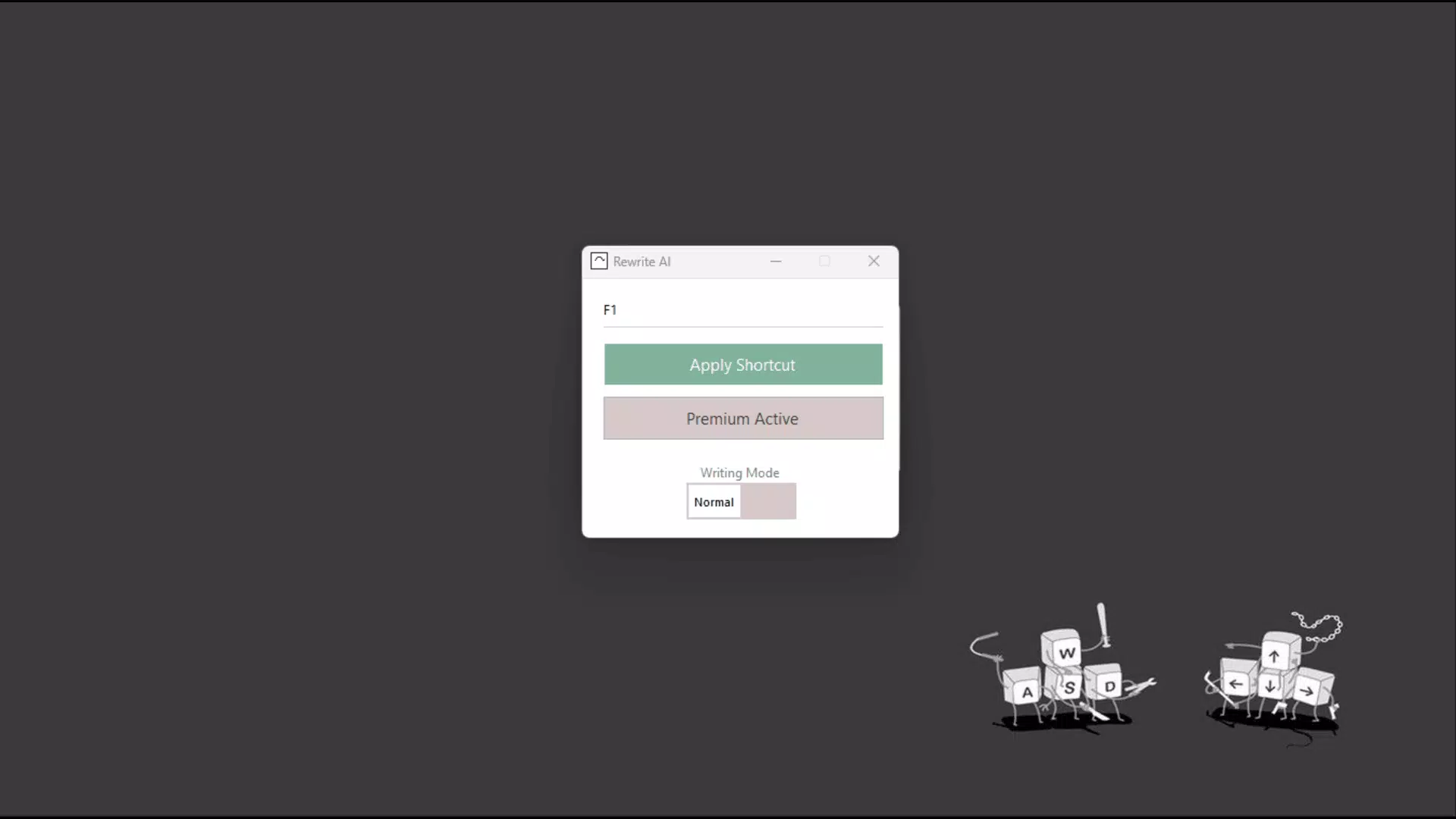
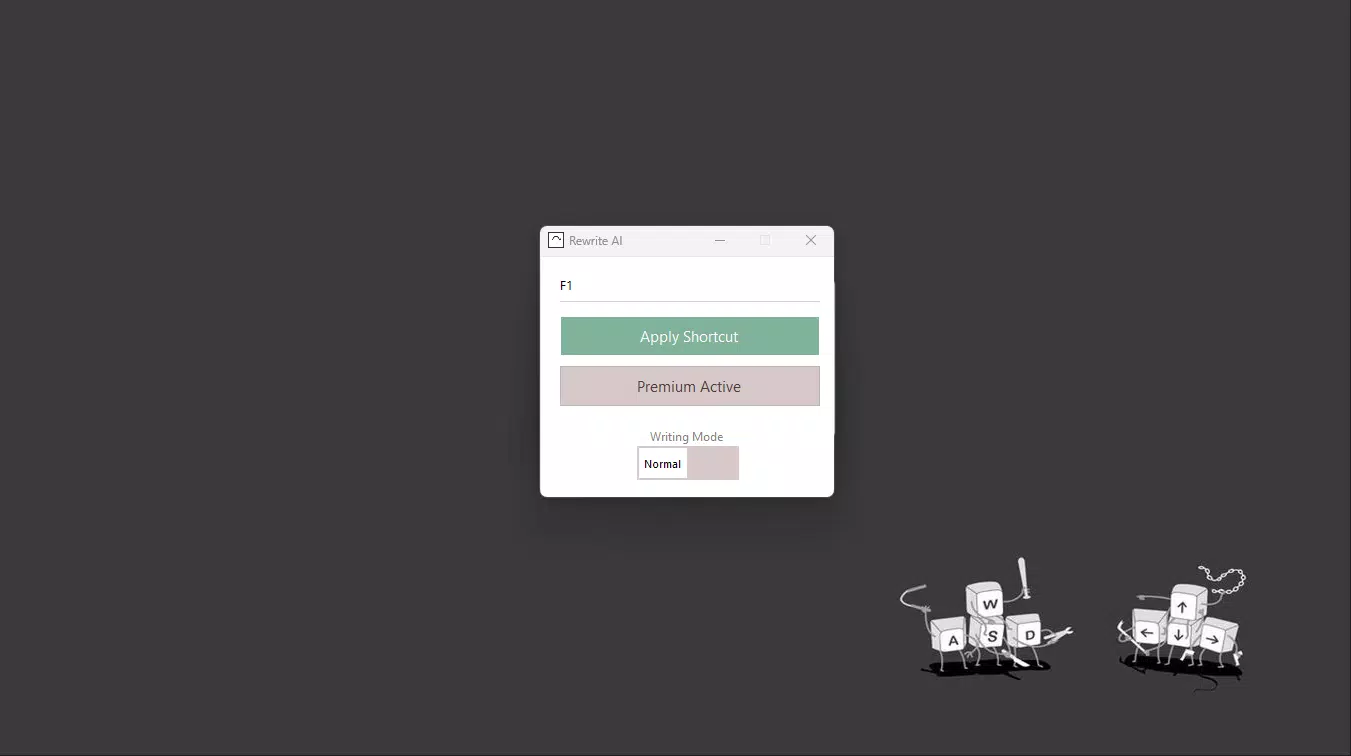
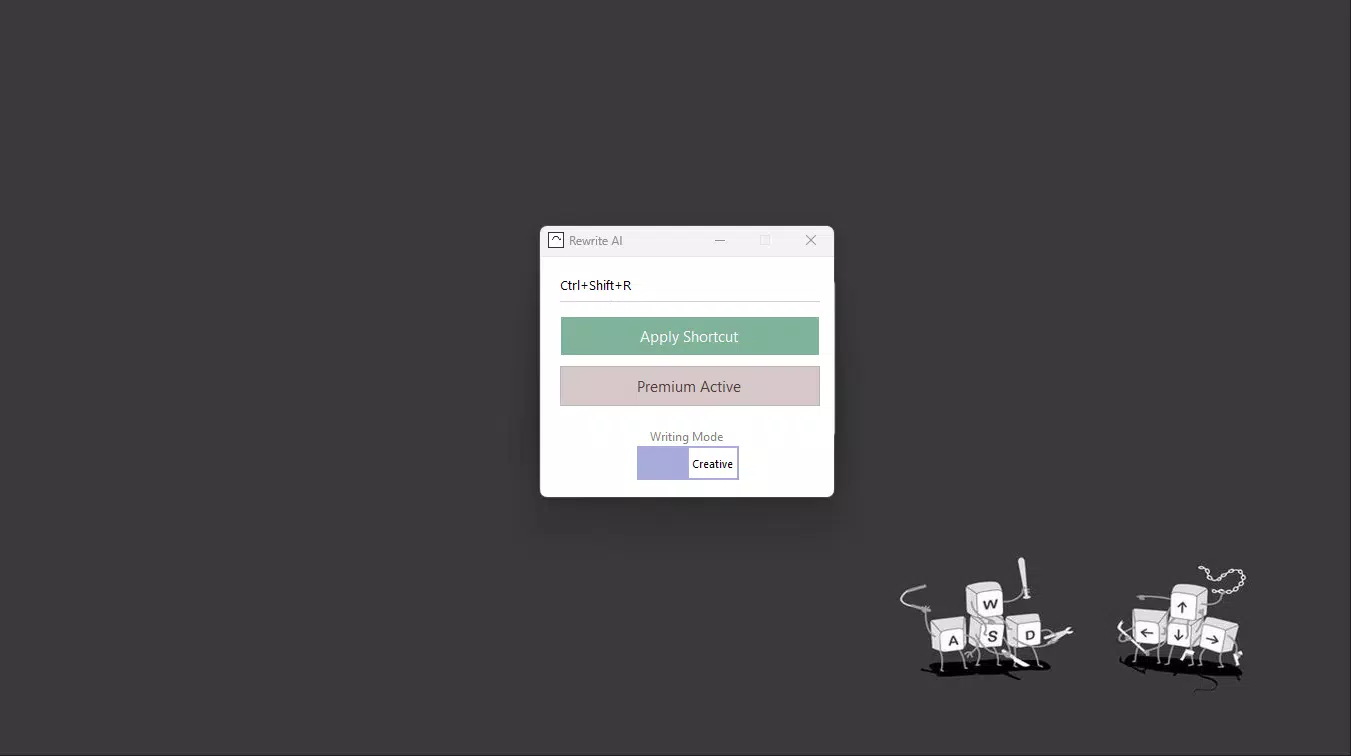
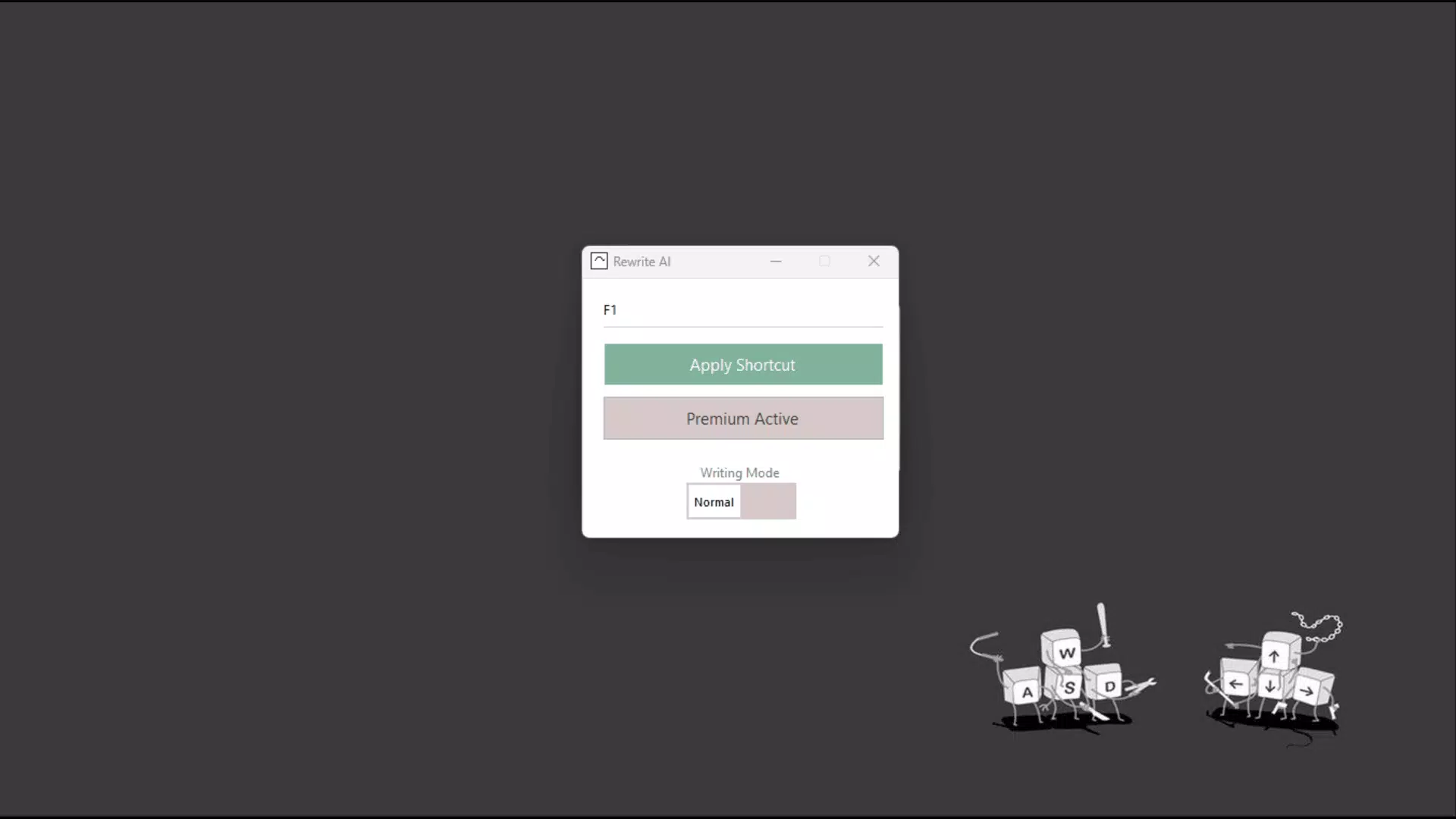
The user interface of Rewrite AI is designed with simplicity and speed in mind, focusing on minimalism and direct functionality. The layout centers around a clean text input field, with clear buttons for submitting text and viewing rewritten output. Navigation is intuitive, with a linear flow from input to result, minimizing user confusion and reducing cognitive load.
Visual style leans toward a professional aesthetic—neutral colors, readable typography, and uncluttered spacing—making it suitable for work environments. The app’s responsiveness appears consistent across device categories, though the developer did not list formal performance metrics. Although the developer did not list formal performance metrics, the app’s lightweight nature suggests smooth operation on mid-range and high-end smartphones.
Stability is expected to be strong given the app’s focused scope. The absence of complex animations or background processes implies a lower risk of crashes or lag. Users can expect consistent behavior when inputting text and receiving results. While specific details on battery usage or memory consumption were not disclosed, the app’s design suggests efficient resource management. The inclusion of a shortcut feature indicates optimization for quick access, enhancing the overall user experience.
Platform Compatibility & Technical Requirements
Rewrite AI is available on Android and iOS platforms, catering to a broad user base across mobile operating systems. The app supports the latest versions of both operating systems, though specific version requirements were not listed. The file size is approximately 45 MB, which is within the typical range for productivity apps with moderate AI functionality.
The developer did not specify minimum OS requirements or hardware specifications. As such, compatibility with older devices cannot be confirmed. However, the app’s lightweight design suggests it may function on devices with moderate processing power and memory. Users are advised to check their device’s compatibility through official app store listings. No additional permissions were mentioned, indicating a focus on privacy and minimal system access.
Pros and Cons
- Offers 20 free rewrites for risk-free testing
- Intuitive interface designed for quick use
- Supports multiple communication platforms and use cases
- Premium license provides unlimited access for heavy users
- Dedicated email support for user assistance
- Specific OS and device requirements were not disclosed
- Performance metrics were not provided
- No public user reviews or ratings available
- Advanced customization options were not described
- Offline functionality was not confirmed
FAQ
Is Rewrite AI available for both Android and iOS?
Yes, Rewrite AI is designed for both Android and iOS platforms, allowing users to access the tool across major mobile operating systems.
How many free rewrites are included in the app?
Users receive 20 free rewrites upon initial use, enabling them to test the app’s features without any cost.
Can I upgrade to a Premium license?
Yes, a Premium license is available for unlimited rewrites. The upgrade can be purchased within the app or through the developer’s official site.
Is customer support available?
Yes, users can contact the developer directly via email for assistance with technical issues, feature questions, or onboarding guidance.
Does Rewrite AI work offline?
Specific information about offline functionality was not provided. The app likely requires an internet connection to process text and generate rewrites.
Final Thoughts
Rewrite AI presents a focused, efficient solution for professionals aiming to improve the quality and speed of their written communication. Its combination of a generous free trial, straightforward interface, and support for key work platforms makes it a compelling choice for users managing high-volume messaging. While detailed technical specifications and performance data are limited, the app’s design and functionality suggest a reliable, privacy-conscious tool for daily use.
Those who rely on clear, timely communication—especially in customer service, project management, or executive roles—will benefit most from its streamlined rewriting capabilities. The option to upgrade to a Premium license ensures long-term value for power users. With its practical approach and low barrier to entry, Rewrite AI stands out as a modern productivity utility in a crowded digital workspace.
Download Rewrite AI now


